Authenticated encryption at rest
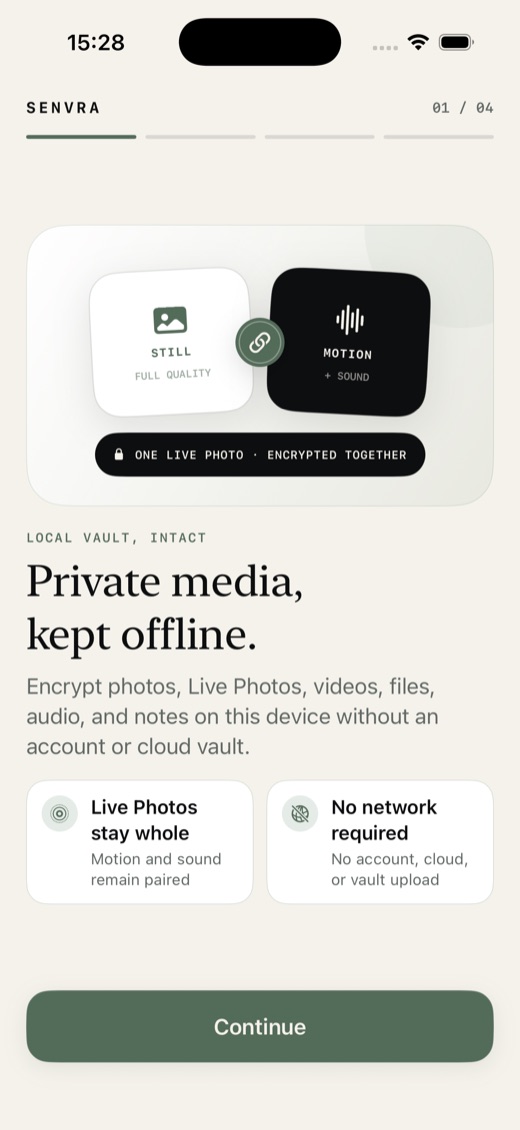
Each item uses AES-256-GCM. Media, metadata, and thumbnails stay bound to their space.
 SENVRA
App Store
SENVRA
App Store
LOCAL-FIRST PRIVATE MEDIA
Senvra protects photos, Live Photos, video, audio, files, and notes on-device. No account, automatic upload, or vague promises.
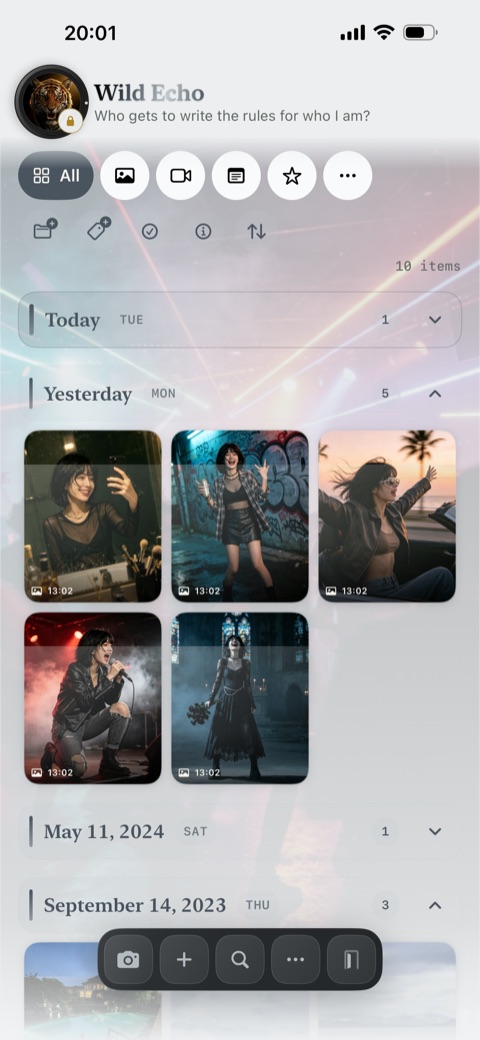
Authenticated at rest
AES-256-GCMPROOF, NOT THEATER
Review storage, keys, activity integrity, and network scope in one place.
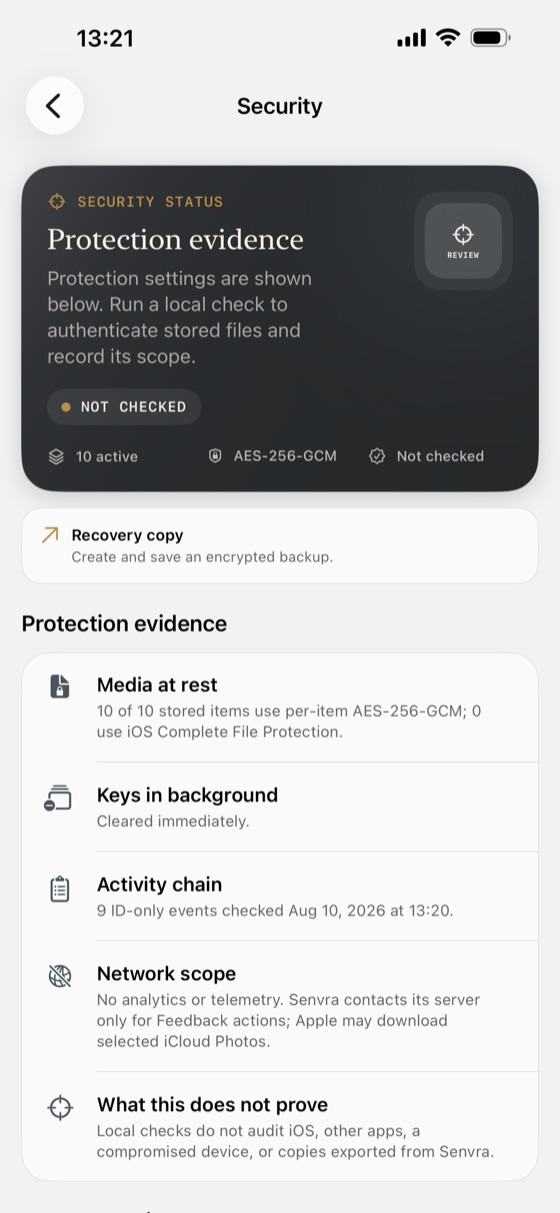
Each item uses AES-256-GCM. Media, metadata, and thumbnails stay bound to their space.
Space keys clear on background. Sensitive content stays covered during app switching and capture.
Authenticate files, check the ID-only activity chain, and see each result's limits.
The app needs no network access. If a system permission alert appears while typing, choose Don't Allow.
Protected segments are committed as recording continues. On backgrounding, storage pressure, heat, or interruption, completed content remains available for safe sealing or recovery.
Recognizes visible text, scene cues, and codes in photos and representative video frames. Results stay local, power search, and can be refreshed or cleared per item.
Local checks cover Senvra's vault state. They do not verify iOS, other apps, device compromise, browser infrastructure, or copies after export.
TRUST CENTER
Senvra's security story is intentionally narrow: local vault protection, visible evidence, and clear handoff points when content leaves the app.
Media, metadata, thumbnails, backups, and activity records are bound to their space instead of trusting filenames or paths alone.
The vault process does not need URLSession, WebView, local-network declarations, or background network entitlements.
Security Center authenticates stored files, reviews recovery candidates, and verifies the ID-only activity chain on-device.
Privacy copies can remove shareable metadata, and Senvra states when the destination app becomes responsible for the copy.
SECURITY THAT STAYS WITH YOU
Encryption is only the first layer. Senvra covers app switching, capture, idle time, screen lock, and immediate exits.
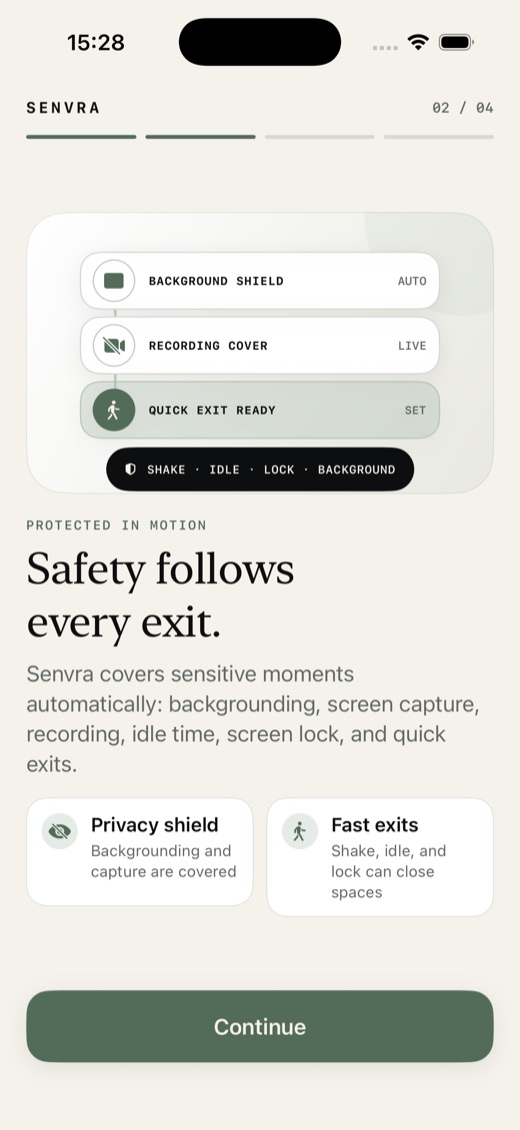
One motion closes the private space and returns to Everyday. No menu to find.
Sensitive content stays covered during app switching, screenshots, and screen recording.
Private spaces close without revealing a list of other spaces.
The shield is not key handling. Decrypted space keys leave memory on background.
Vault use stays local. Browser Support requires explicit action.
THREE SPACES. THREE IDENTITIES.
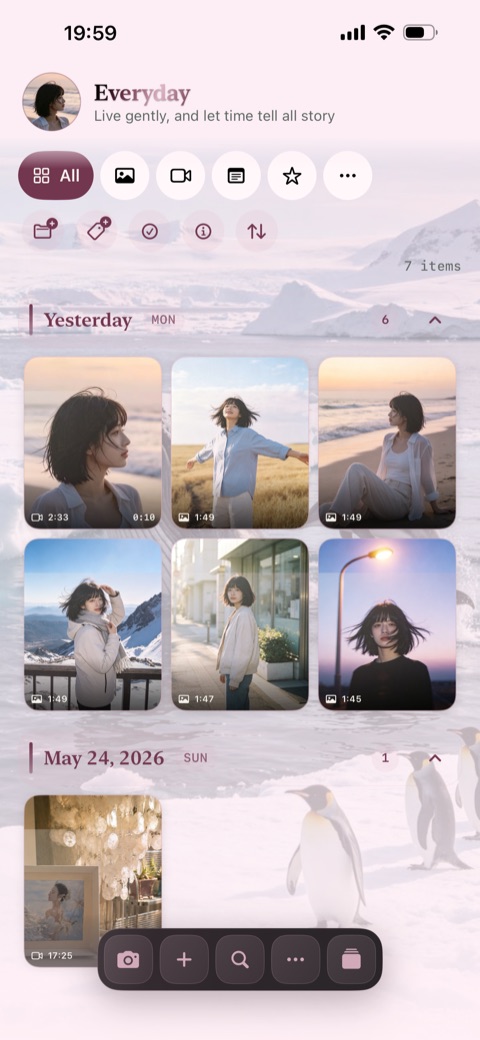
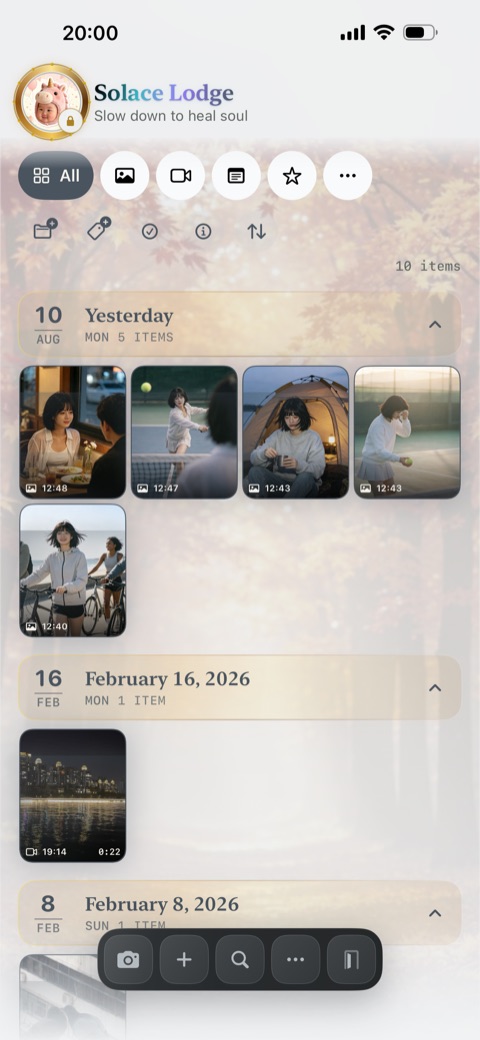
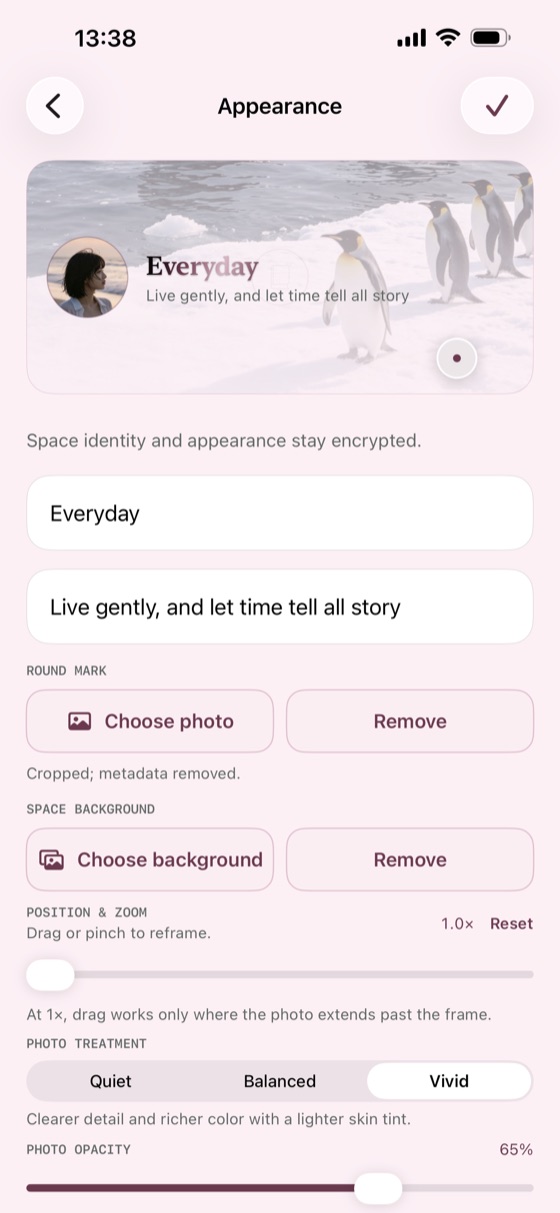
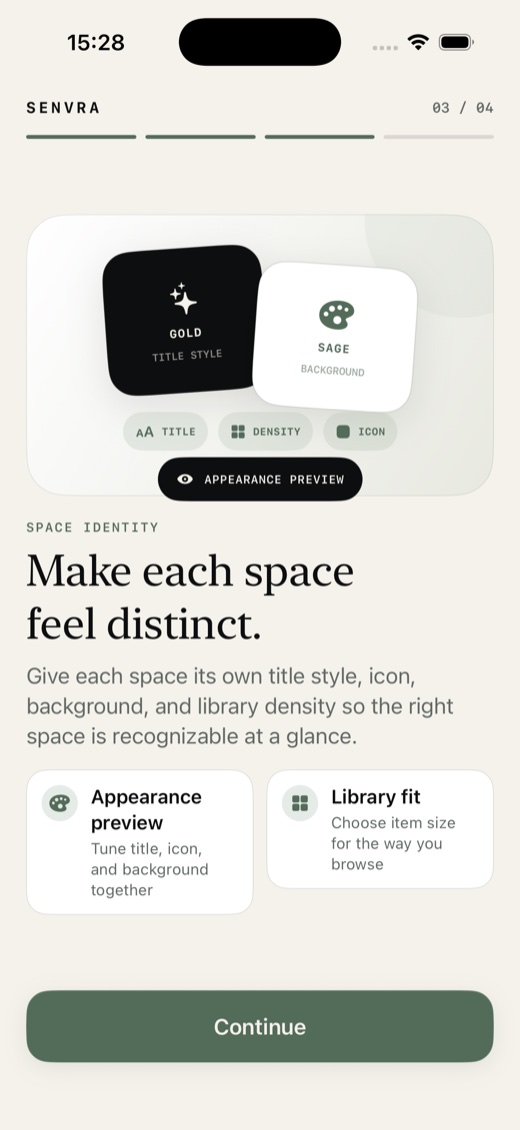
Each space has its own title, icon, background, media mood, and density, inside an independently encrypted identity.
Photography, rainbow title, airy grid.
Soft gold, quiet photography, compact grid.
Dark iconography, cinematic color, dense grid.
ENCRYPTED PERSONALIZATION
Preview title, icon, crop, treatment, opacity, and density together. The profile is encrypted with its space, not stored globally.
PASSWORD ROUTING
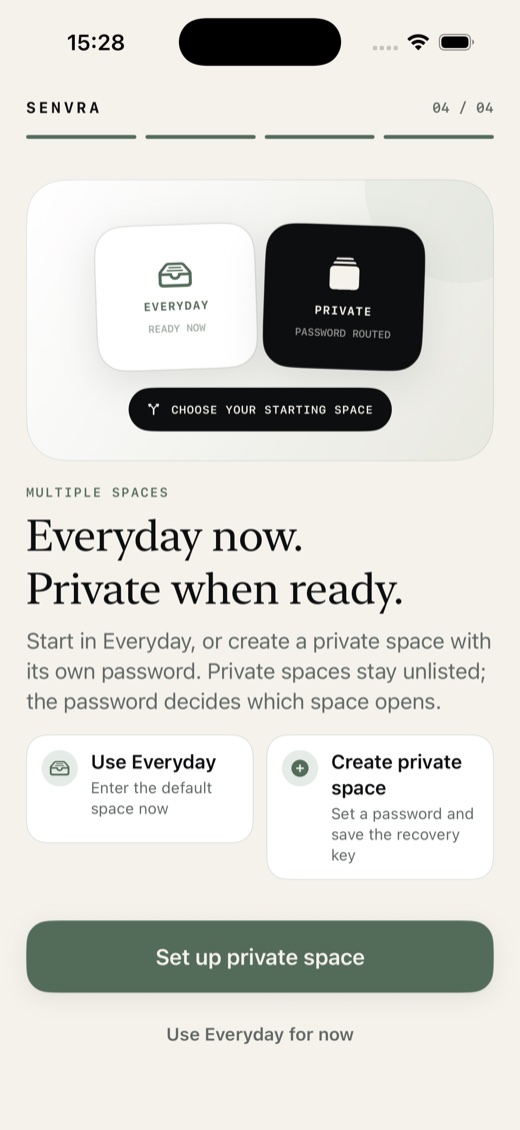
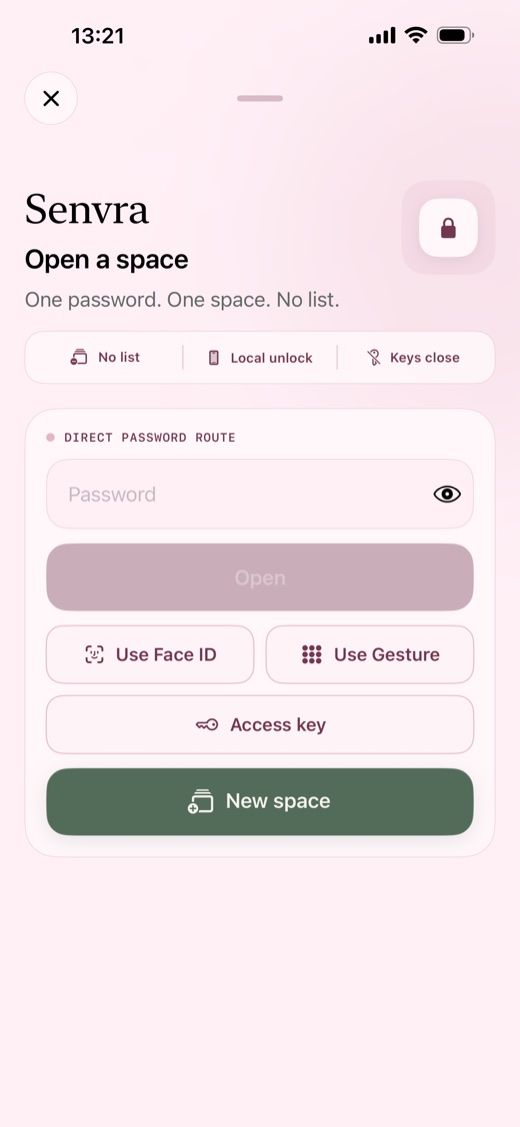
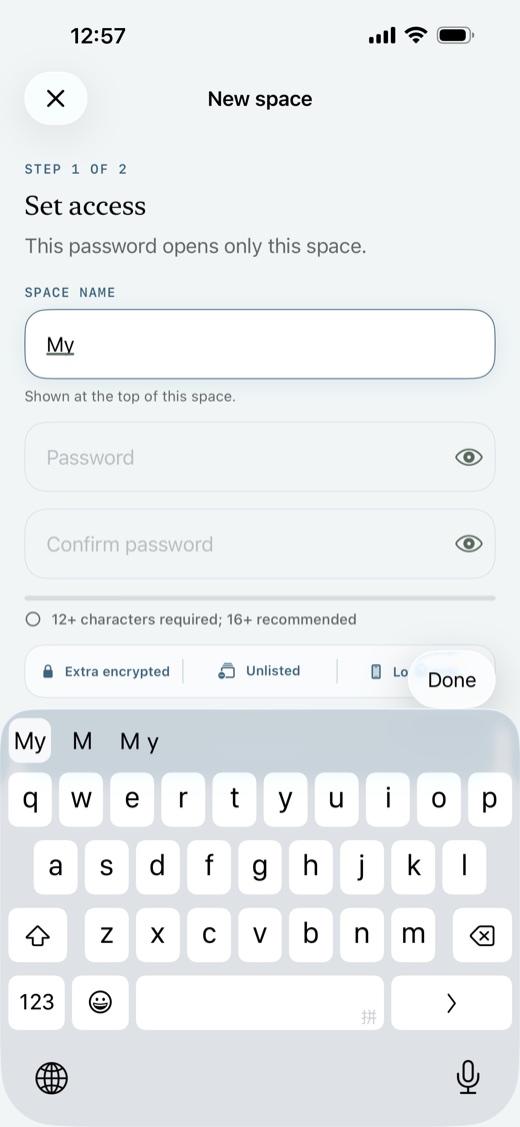
Private spaces stay unlisted. A password opens its space directly; each new space gets an independent encrypted identity.
CONVENIENCE, WITH DISCLOSURE
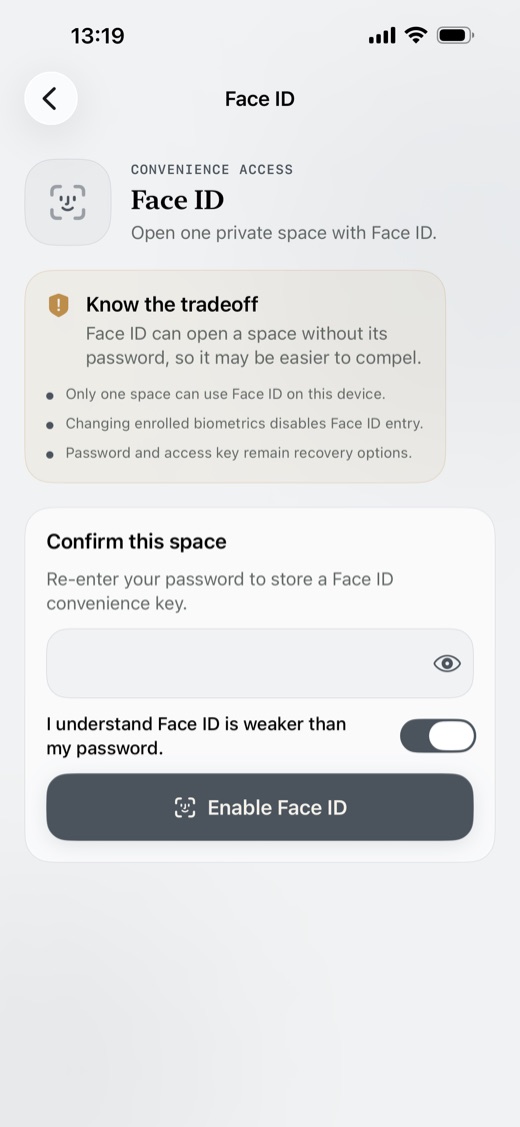
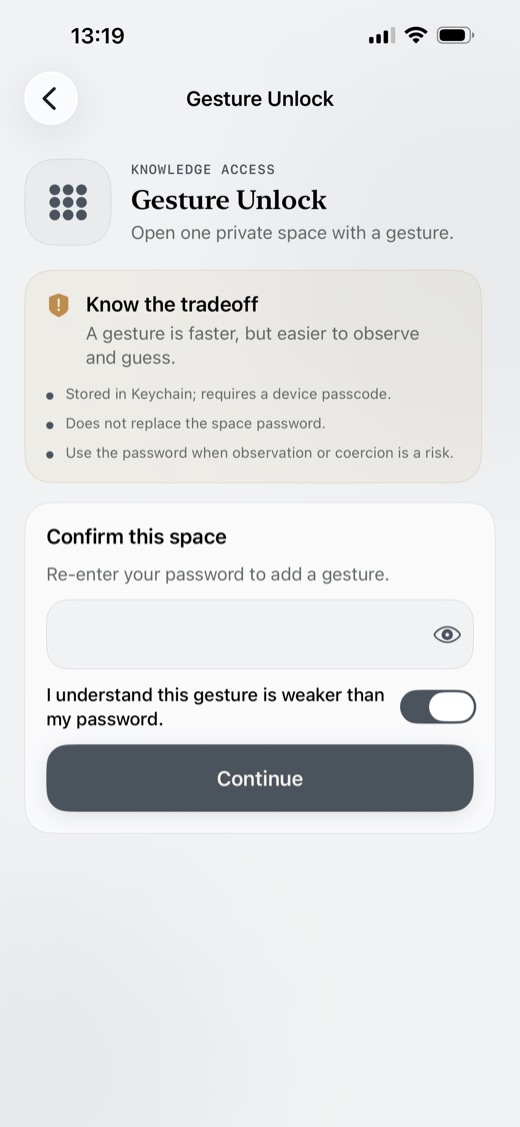
Passwords remain strongest. Face ID and gesture unlock are optional shortcuts for one space, with limits shown before use.
SUPPORT, ONLY WHEN INVITED
The browser lets us receive your feedback and replies without adding network access to the app.
Open Senvra Support